
Uploading Data
Make sure all data from the pods is uploaded before pairing pods to a new person, or else the data will be associated with the new person rather than the person to whom the pods were originally paired.
After you have collected activity data, put the pods back in the dock to upload the data in order to review it.
- When the activity is finished, remove the insoles from the shoes and remove the pods from the insoles.
-
Dock the pods. Insert the pods into the dock with the Plantiga logo facing upwards.
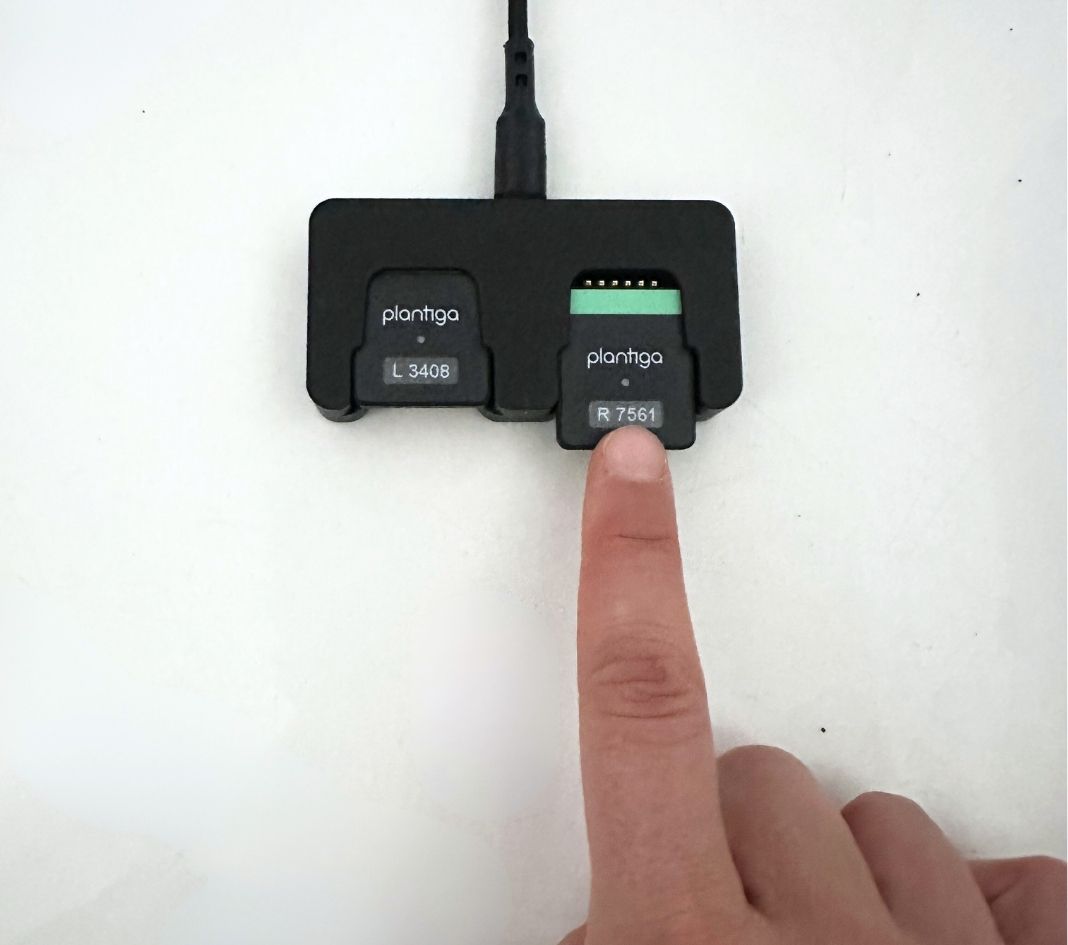
- When the pods are properly docked, they will light up and the data will start to upload automatically. The pod lights will blink white while they are uploading data. When all data is uploaded, the dock lights will be solid white.
- In order to review the data on plantiga.io, you may need to wait a few mins for the algorithms to finish computing. Check the progress bar on the activity to see how much longer until it's ready.
