
Collecting Your First Activity
You’ve set up your system, now use plantiga.io to get started!
- Check the colors of the pod lights on your docked pods:
- ⚪️ white ⚪️
- Wait until the lights turn green, indicating that the pods are fully charged and ready to go. This is important for ensuring that data gets collected properly. Charging takes up to 2 hours.
- 🟢 green 🟢
The pods are charged and you're ready to collect some data!
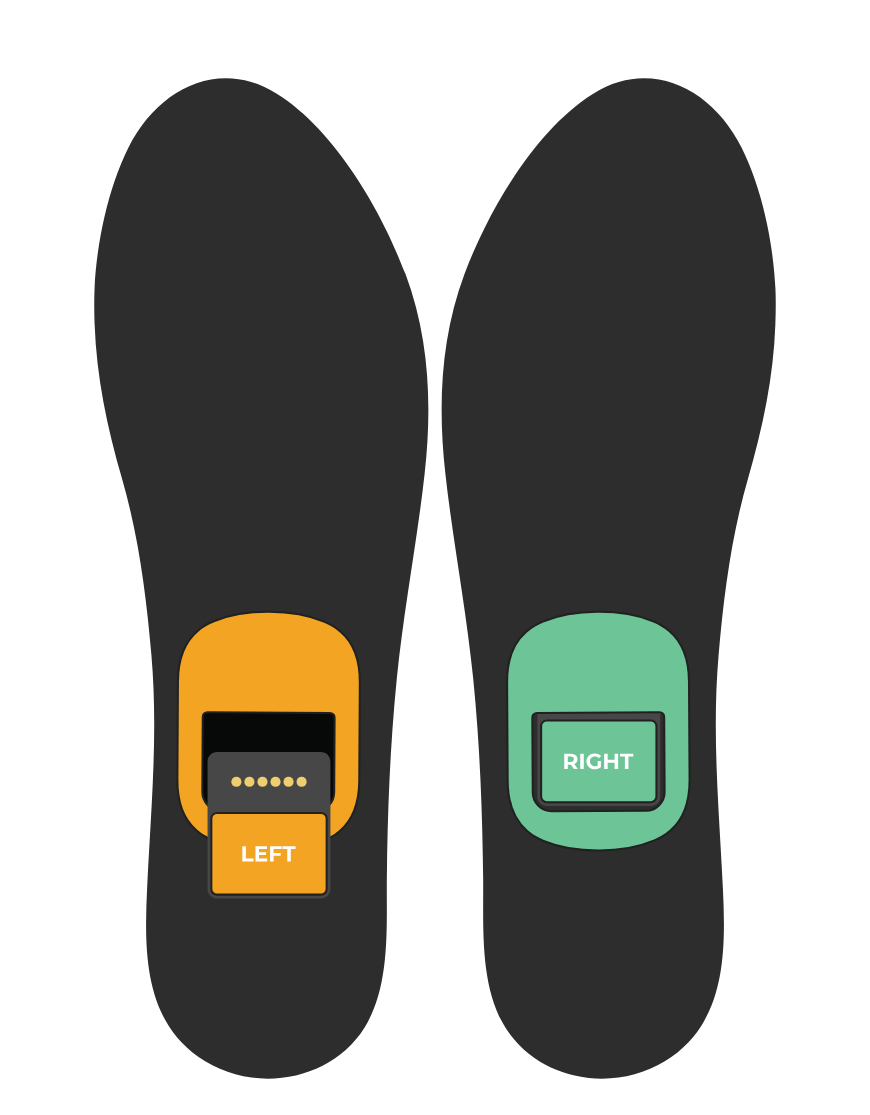
Place your pods into your insoles. Pod orientation is critical for data collection.
When inserted correctly, the colours on the pod and insole stickers will match - green for the right pod and insole and orange for the left.
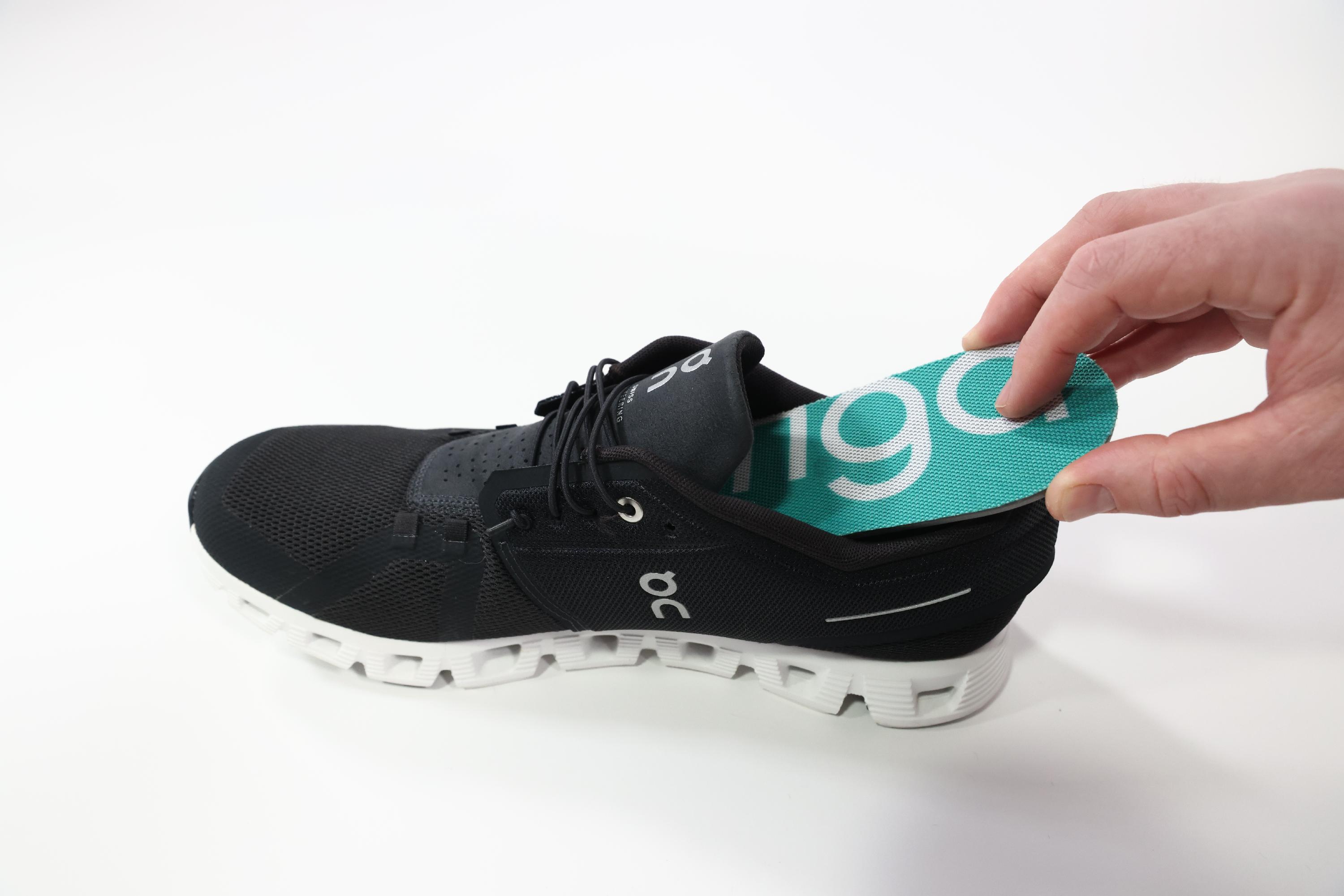
Place your insoles into your shoes.
Make sure the correct insole is in the correct shoe. They should lay flat in your shoes. We recommend taking you shoe’s stock insole out and replacing it with the Plantiga insole.
- ⚪️ white ⚪️
- Get ready to start your activity.
Move to the location in which the activity will be performed. Bring your phone to record the activity using plantiga.io.
Open up plantiga.io (either through the shortcut you created in the setup (recommended), or through your web browser) and go to the Record page on the left sidebar. If you are on a mobile device, click the hamburger menu in the top left corner to show the sidebar.
- You can collect activities from a computer, tablet, or phone. We generally recommend using a phone or tablet, so you can move around.
- Choose the activity you'd like to do and the person who will be doing it. A walk is a good one to start with.
- If there are warnings, please address them before starting the data collection. If you ignore warnings, data may not record properly.
- Watch the protocol video before doing the activity by clicking the info icon to the right of the activity type.
- A three second countdown will appear on the screen. During this time, it it is important to keep the feet completely still in order to allow the algorithms to properly detect movement.
When the countdown has finished, begin the activity. For the first walk test, we recommend walking for 1 or 2 minutes.
When finished, click Stop.
- Fill in any relevant notes (like what type of activity it was, if there was any pain, how hard it felt, etc.), then click Done.
- Upload your data
- Remove your insoles from your shoes and remove the pods from the insoles.
- Dock the pods. When pods are docked correctly, the pod lights will blink white as they upload data.
- Note: the pods do not wirelessly send data. You must put them back on the dock to allow them to connect to the Plantiga cloud.
- Once the data has finished uploading, you’ll be able to review your data.