
Creating Activity Types
An Activity Type is an overarching label for splits that you can filter to in any feed or trend page. They are helpful for categorizing recordings and can be customized to your team's needs.
Some examples of Activity types are
- Practice
- Shoot-Around
- Game
- Quarter (Q1, Q2, Q3, Q4) or Period (P1, P2, P3)
- Warm-Up
Steps to creating an activity type
- Once you navigate to plantiga.io, click the organization name in the bottom left corner
-
Click on Settings from the pop-up menu
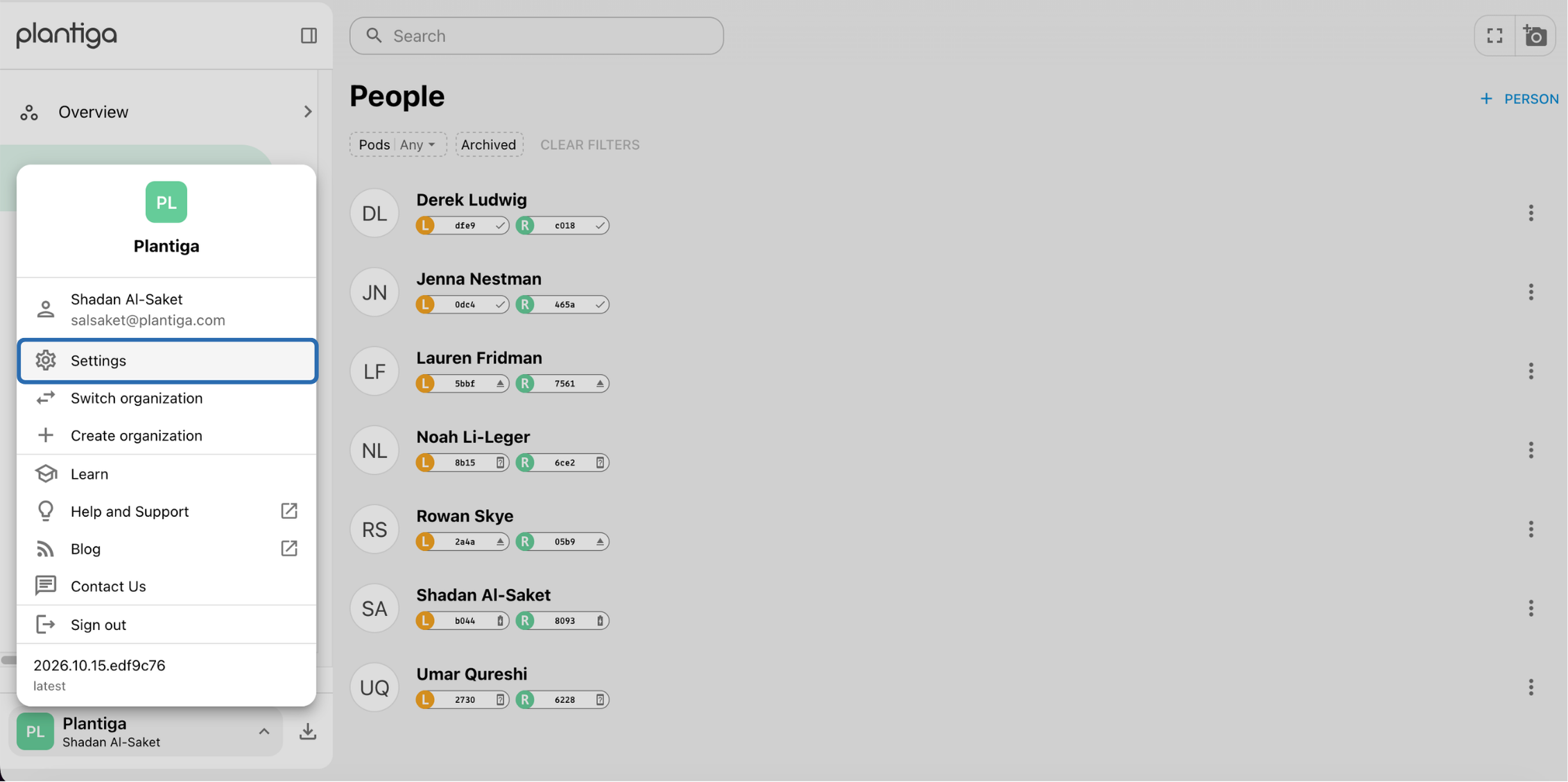
Settings navigation
-
Under "Organization settings" and click Activity Types
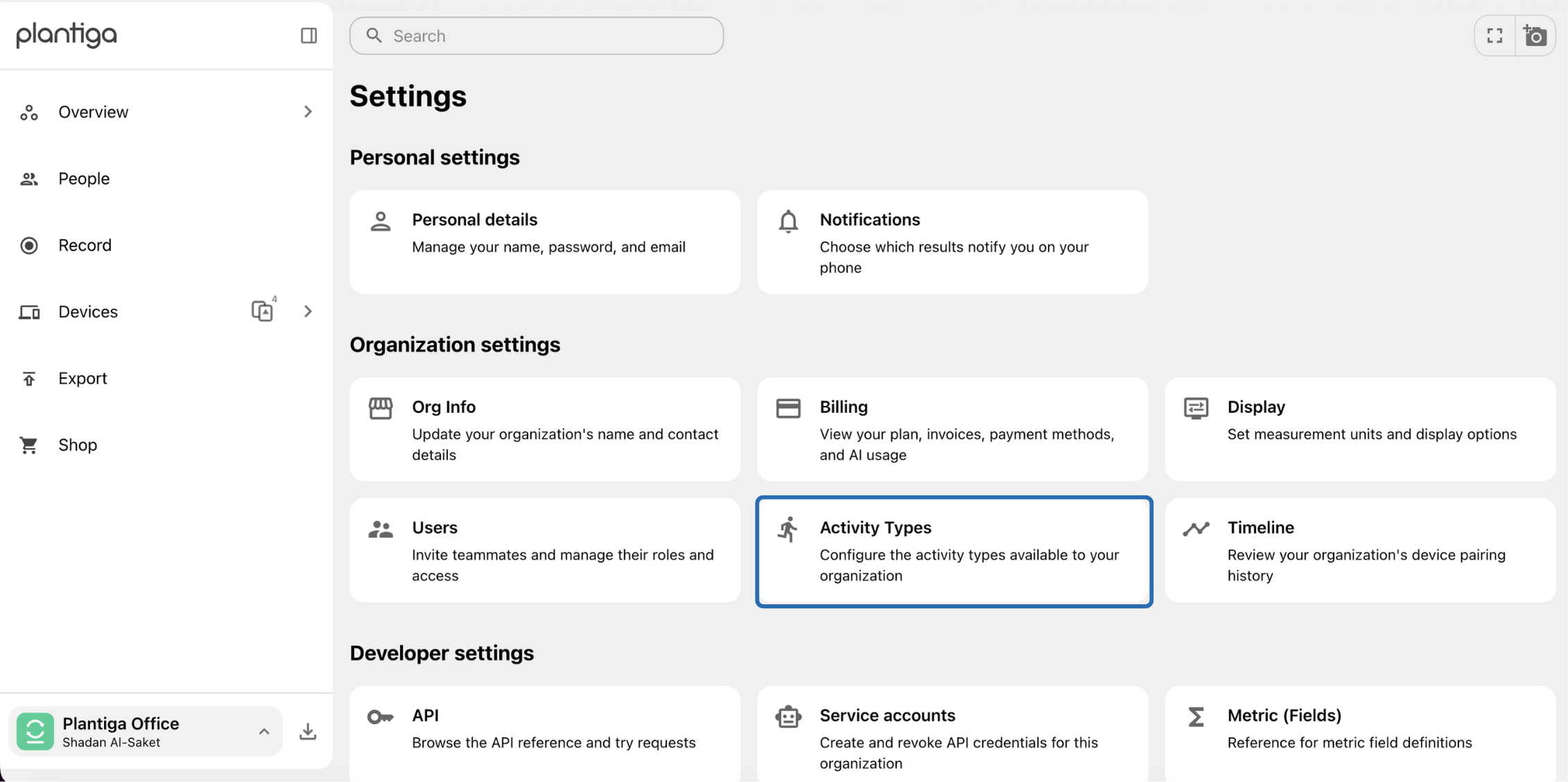
- Use the arrows on the bottom right corner to navigate through the existing Activity Types.
-
Click "+ Activity Type" in the top right corner
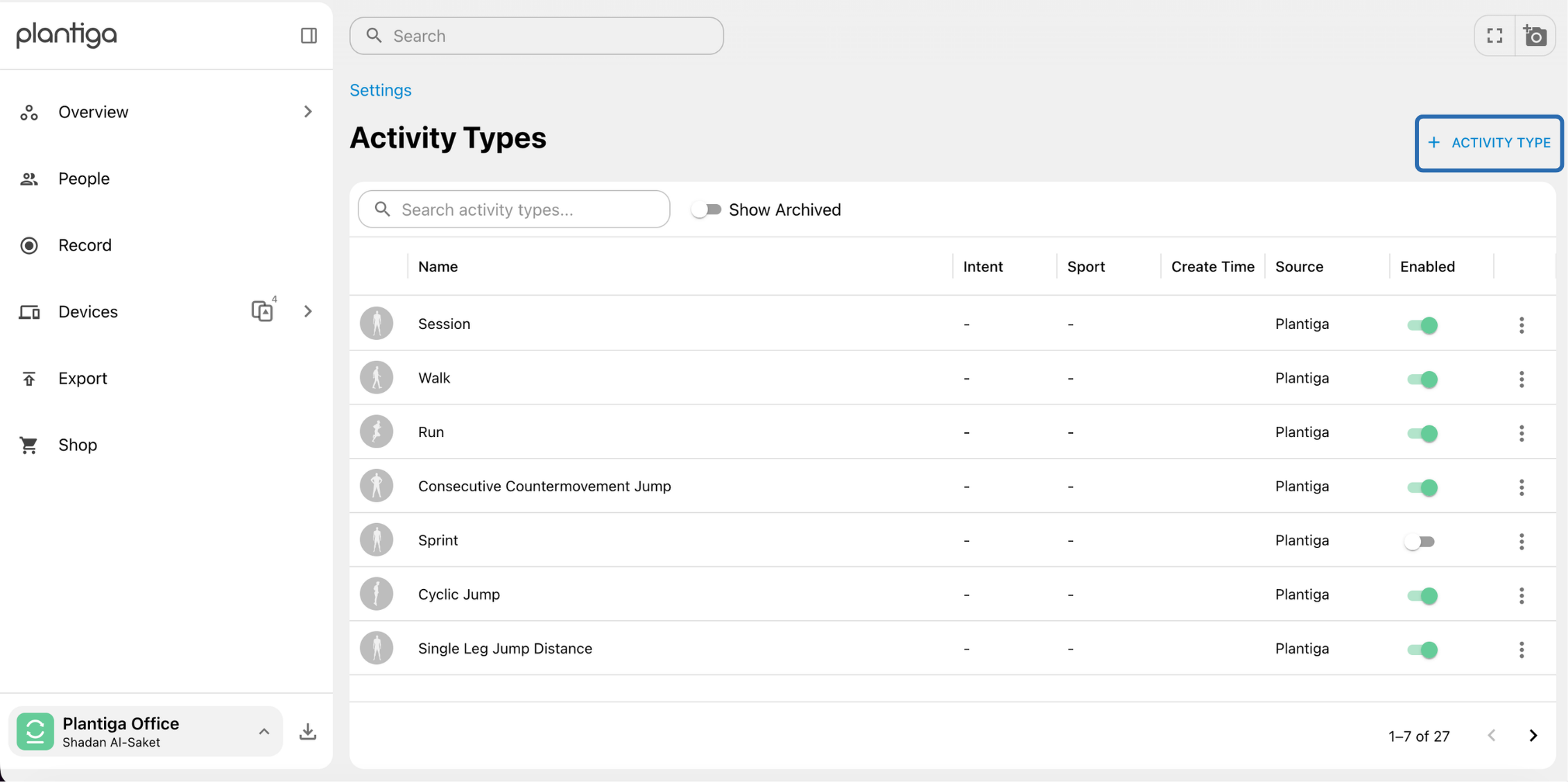
Activity Type page - Fill out the prompts on the pop-up menu, then click Create
- Based on: will determine the base-activity and what metrics are computed for your custom activity. For example, choose Session if you want to do a combination of overground walking, running, jumping.
- Activity Name: the label that will appear in other pages when you create activity splits.
- Intent: optional and further identifies if the custom activity is for Game, Practice or Rehab purposes.
-
Sport: optional and used for organizations that collect on athletes of many sport-types.
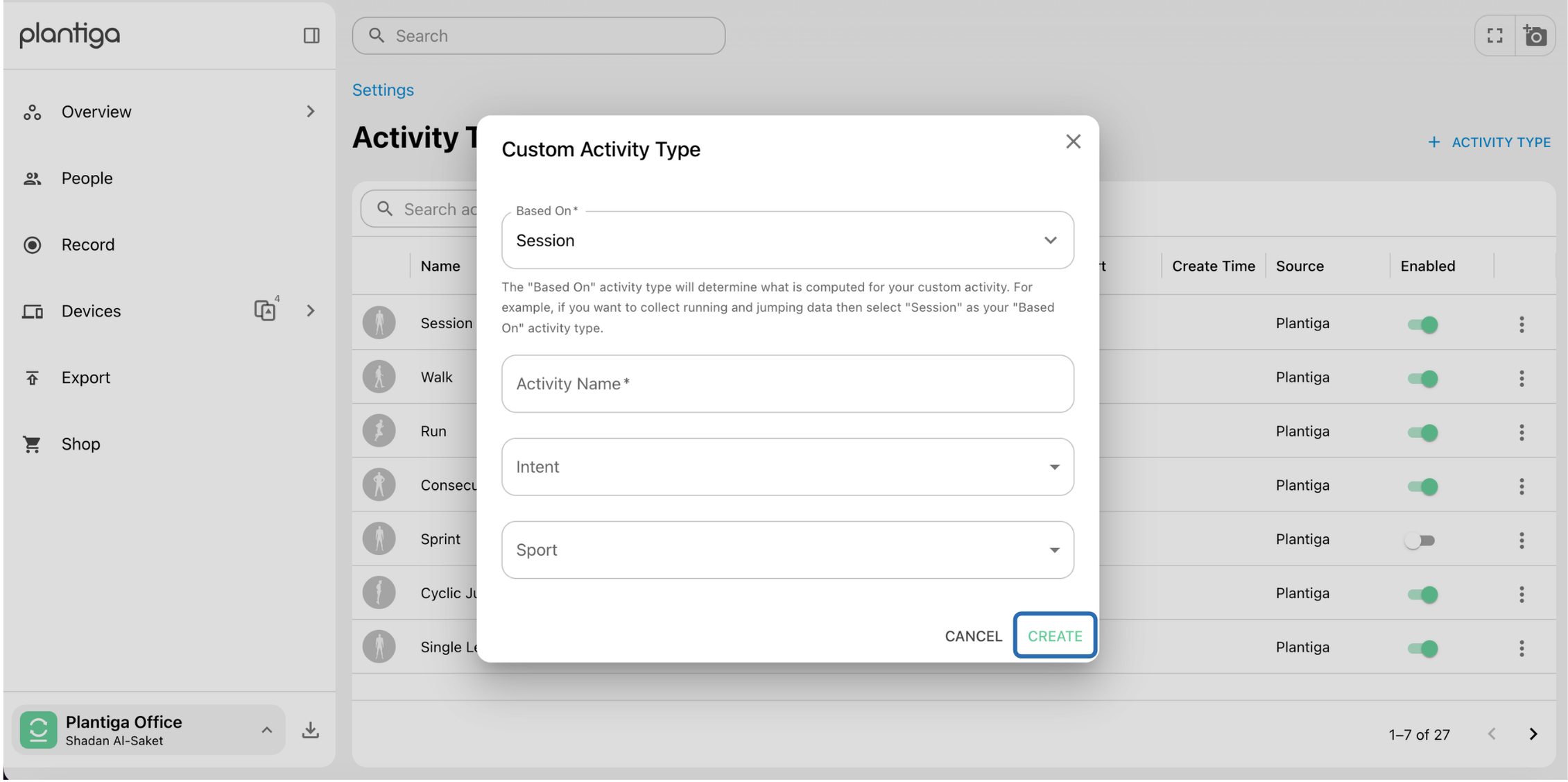
Creating an Activity Type
